videoskillet
Open the app →
Loading your saved looks

WebGPU analog video emulation.

Open the camera → Open the app → Full instrument Simple mode User guide

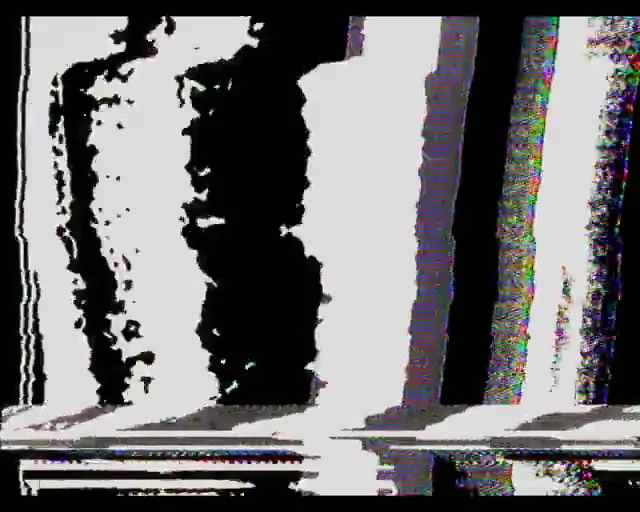
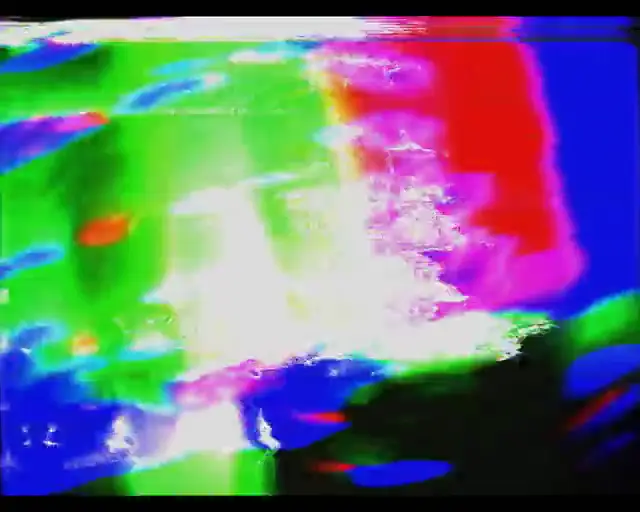
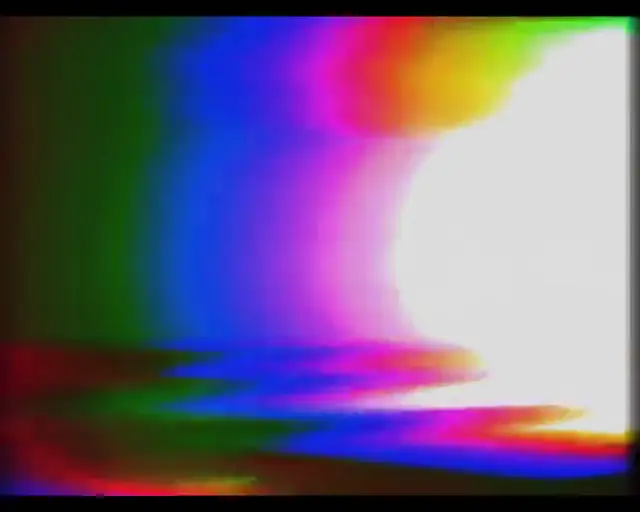
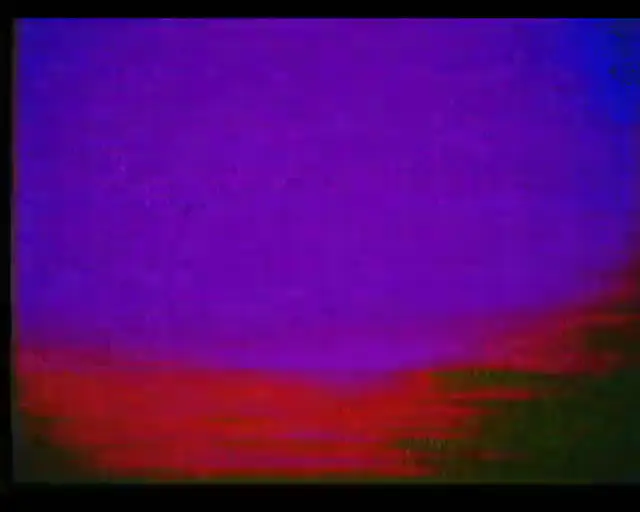
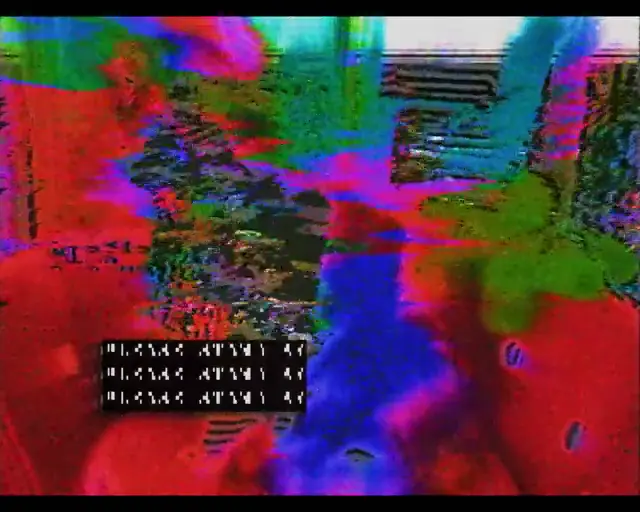
The window on Ridiculous rainbow — a white core with bands of red, green and blue pouring off it — with the preset catalog opened from its “+ more” chip and scrolled family by family, and five chips dragged part way in one after another with nothing wiped between them: ring in the highlights, then false colour, poured colour and chroma rails turn the frame into vivid wavy bands of red, green, cyan and magenta, and full collapse shears the whole thing sideways as the raster collapses
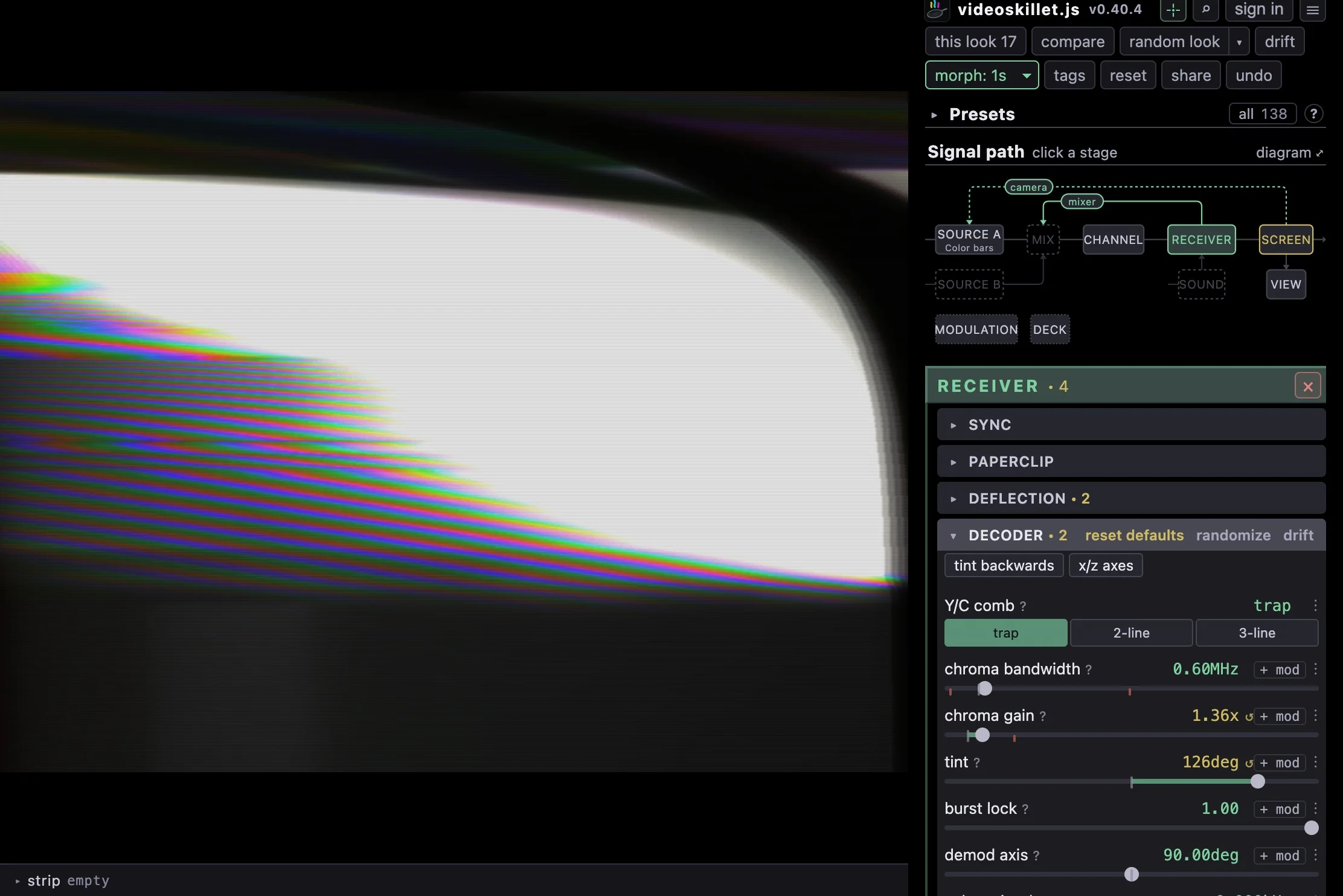
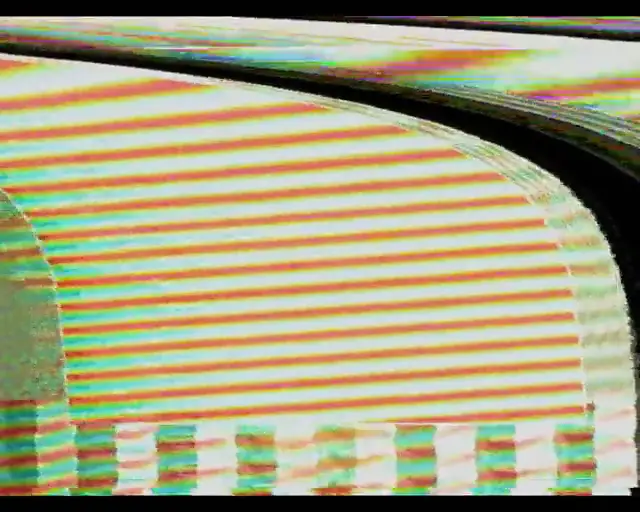
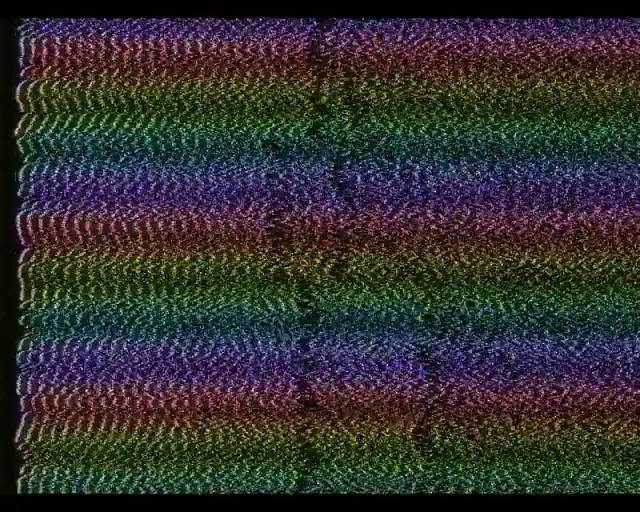
The window on Ridiculous rainbow, worked through the signal path map: the mixer pill is pressed, flashing red, and its loop delay row dragged twice — the frame turning into a fine rainbow comb on white, then into broad bands of green and orange — then the receiver box is pressed and bend amount bows the raster, then back to the mixer for a third delay, and back to the receiver a last time where tint turns the bowed bands into a fine comb of every hue

How do I use this thing?

Use the signal path!

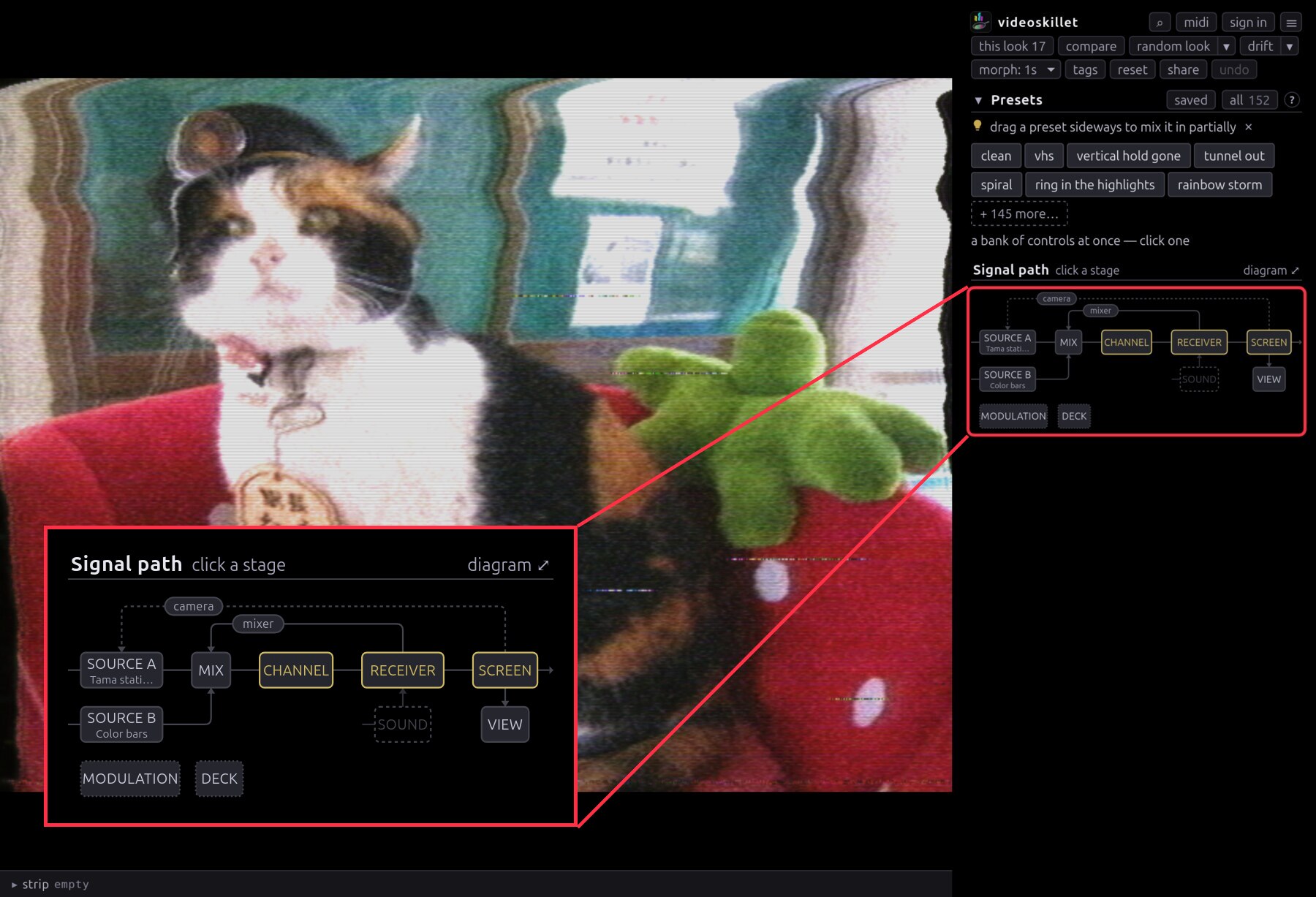
The app window with the signal path map boxed in red at the head of the sidebar and enlarged over the picture: SOURCE A and SOURCE B into MIX, then CHANNEL, RECEIVER and SCREEN, with camera and mixer returns arching back over the trunk, SOUND and VIEW hanging below, and MODULATION and DECK on a row of their own with no wire reaching them
It sits at the top of the sidebar. Load videos into SOURCE A and SOURCE B; click any other stage to open its controls.

Why sign in?

Autosaves the stuff you were doing, and you can keep track of it across multiple computers.

The home signed in: a card that resumes the last session, and a grid of saved looks with a still of each one
Your home, once you’re signed in.

You don’t have to sign in — it just lets you save your work and pick it up on another machine. What an account stores →

Open the app instead →