Getting started
videoskillet simulates the analog video signal in WebGPU shaders. It needs a recent browser with WebGPU: Firefox Nightly or Chrome Canary.
Visit https://videoskillet.com/app/
The window#
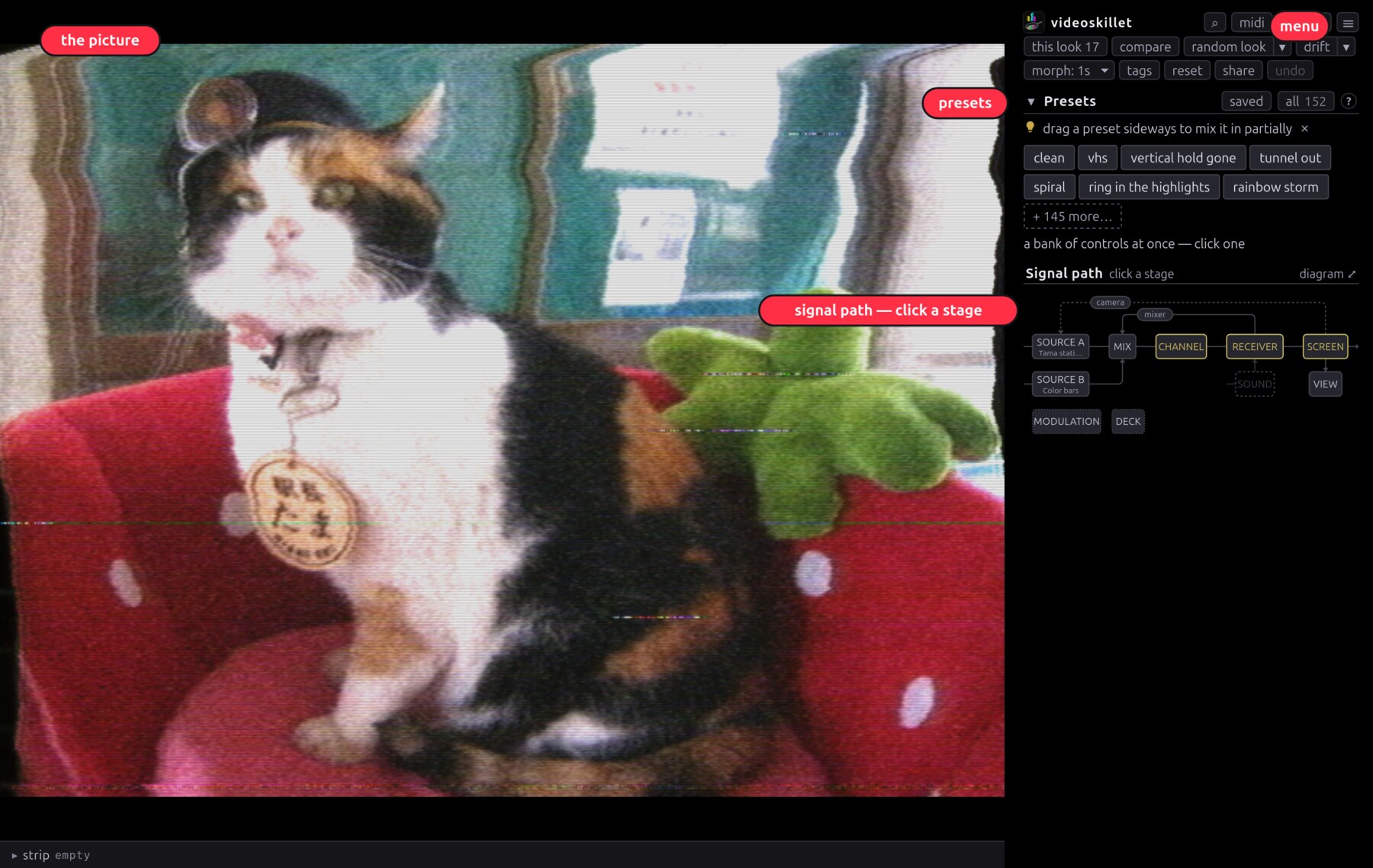
The picture is on the left. Shift-drag a box across it to zoom in, double-click to pull back. The ☰ menu, top right, holds stills, recording, fullscreen and settings. Presets, below it, is a shortlist of whole looks: click one and every control it names moves at once.
Signal path is the map at the top of the sidebar, and the main thing to click. Each box is a stage of the chain. Click one and its controls open underneath. Every control is in there, sources included.
Three looks to try#
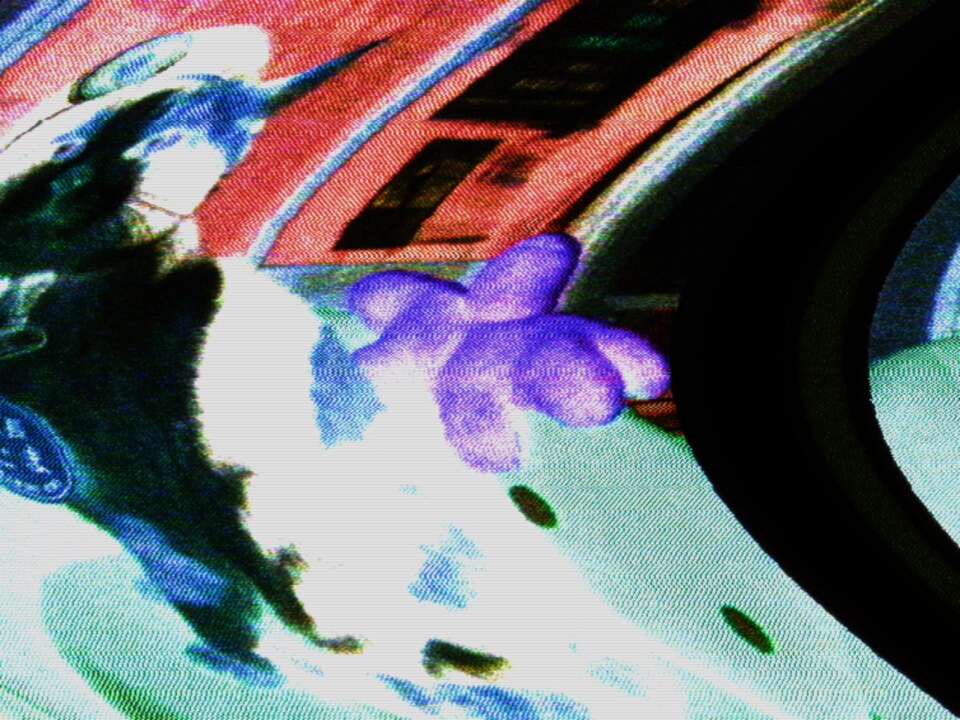
- negative flips polarity on the composite line, and sync goes with it.
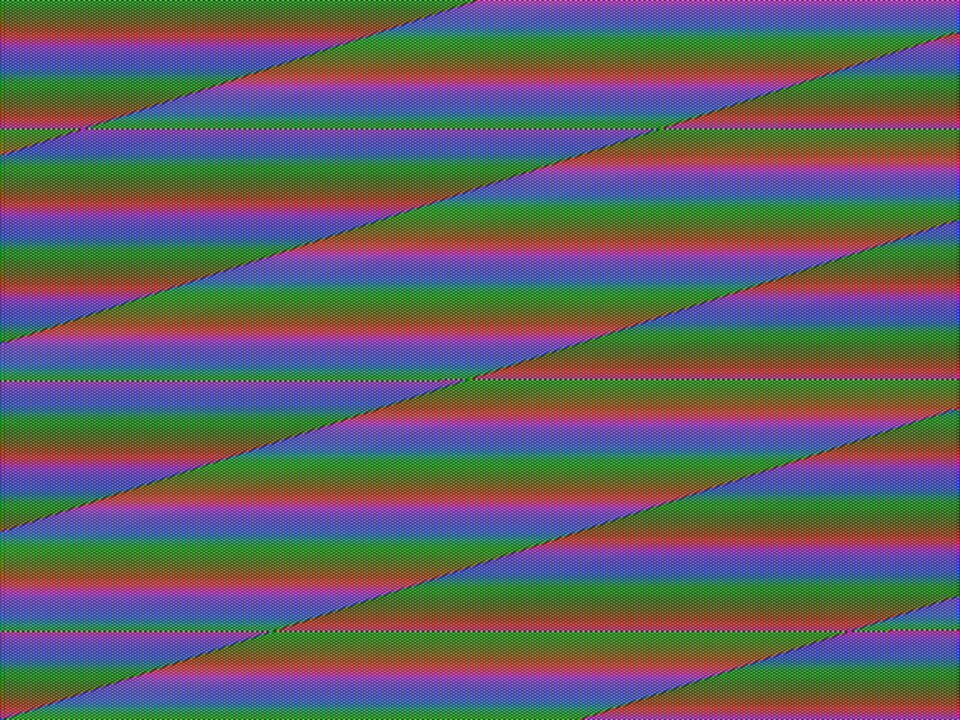
- key sweep runs the video synth through the chroma keyer.
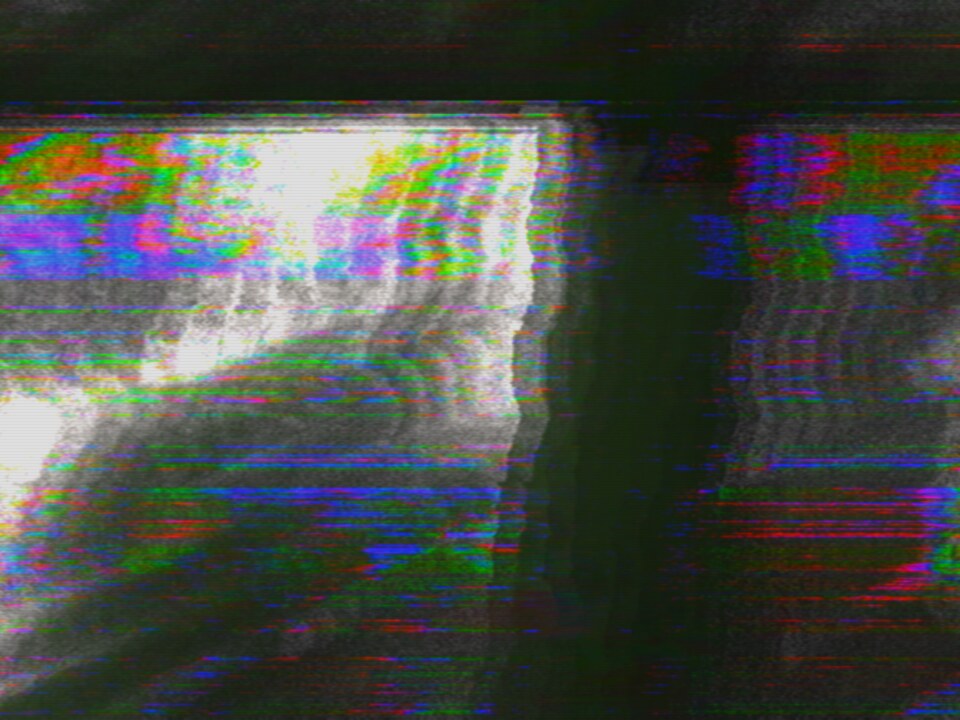
- mixer loop patches the composite into itself past unity, so the loop's output builds on itself.
Where next#
- User guide: sources, feedback, modulation, saving, scopes
- Features: a tour of everything it can break
- Effects: every control, generated from the app's own table
- MIDI: setting up a controller
- CLI: getting a look onto a file, running locally
- FAQ: how it works, what runs it, how a take gets into an edit